


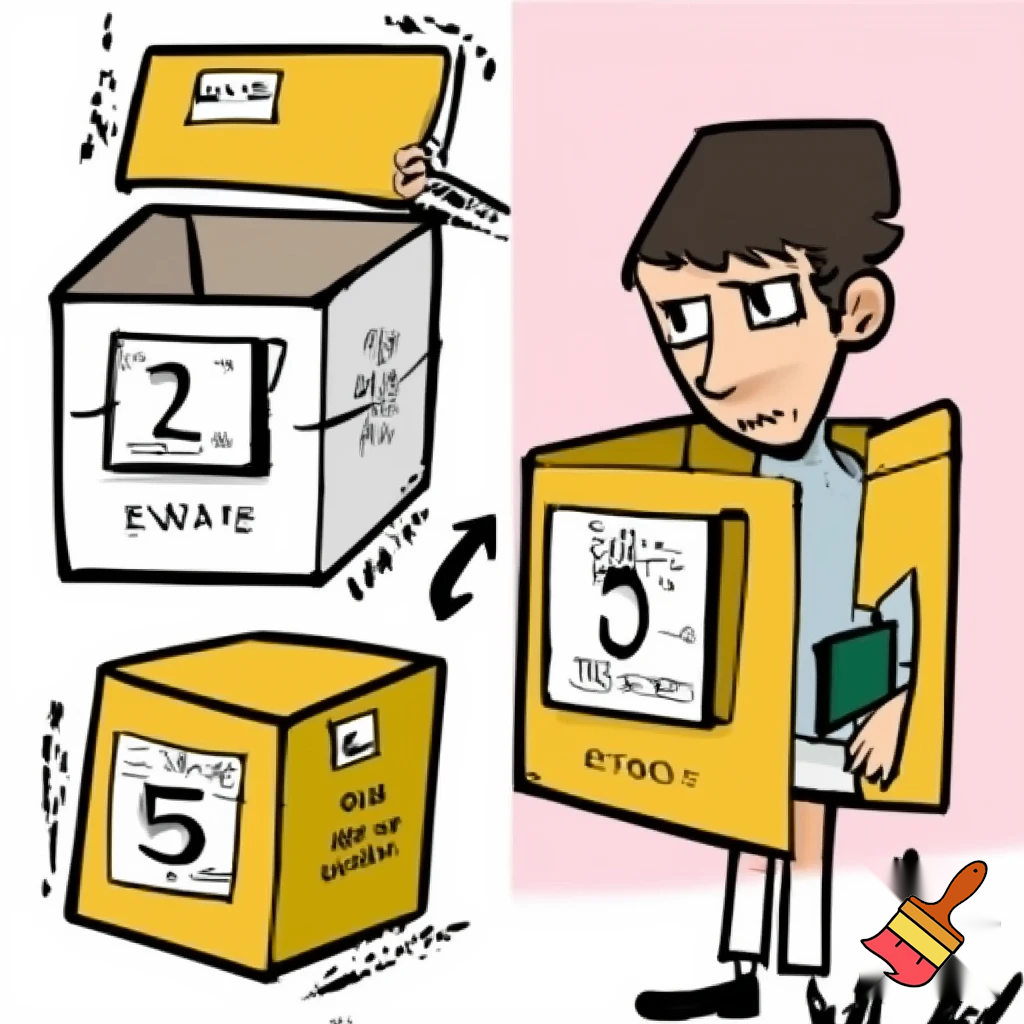
Illustration Concept for Variables The sources define a variable using a clear, relatable metaphor that you can translate into a visual aid: Key Visual Elements: 1. The Container: Illustrate the variable as a box. This box serves as the container for information. 2. The Name: The box should be clearly identified by a name (e.g., use a label like "Score" or "PlayerName" taped to the outside of the box). 3. The Content (Value): Inside the box, display the information it holds. This information is the "Value," which can be a number or a word. Demonstrating Change: Since a variable is defined as a "value that can change", the illustration should show the dynamic nature of the content: • Initial State: Show the labeled box containing an initial value (e.g., the "Score" box contains the number 5). • The Change: Show an arrow or a second version of the box where the content has been updated. The name on the outside remains the same (e.g., still "Score"), but the value inside has been replaced (e.g., the number 5 is replaced by the number 10). Summary Text for Poster (Optional but Recommended): You could accompany the image with text explaining that: • A variable is like a box identified by a name. • It is used to hold information. • The information inside the box (the value) is a number or word that can change. -------------------------------------------------------------------------------- Analogy to solidify understanding: Think of the variable poster as a personal locker in the hallway. The name of the variable is the nameplate on the outside of the locker (it always stays the same), but the value is whatever book or lunch item is stored inside, which changes every day.

Prompt
Illustration Concept for Variables The sources define a variable using a clear, relatable metaphor that you can translate into a visual aid: Key Visual Elements: 1. The Container: Illustrate the variable as a box. This box serves as the container for information. 2. The Name: The box should be clearly identified by a name (e.g., use a label like "Score" or "PlayerName" taped to the outside of the box). 3. The Content (Value): Inside the box, display the information it holds. This information is the "Value," which can be a number or a word. Demonstrating Change: Since a variable is defined as a "value that can change", the illustration should show the dynamic nature of the content: • Initial State: Show the labeled box containing an initial value (e.g., the "Score" box contains the number 5). • The Change: Show an arrow or a second version of the box where the content has been updated. The name on the outside remains the same (e.g., still "Score"), but the value inside has been replaced (e.g., the number 5 is replaced by the number 10). Summary Text for Poster (Optional but Recommended): You could accompany the image with text explaining that: • A variable is like a box identified by a name. • It is used to hold information. • The information inside the box (the value) is a number or word that can change. -------------------------------------------------------------------------------- Analogy to solidify understanding: Think of the variable poster as a personal locker in the hallway. The name of the variable is the nameplate on the outside of the locker (it always stays the same), but the value is whatever book or lunch item is stored inside, which changes every day.
Negative prompt

Use negative words like “blue” to get less blue color
Details
Image Size
256x256
Resolution
Base
Model
Drawing
Aspect Ratio
1:1 - landscape